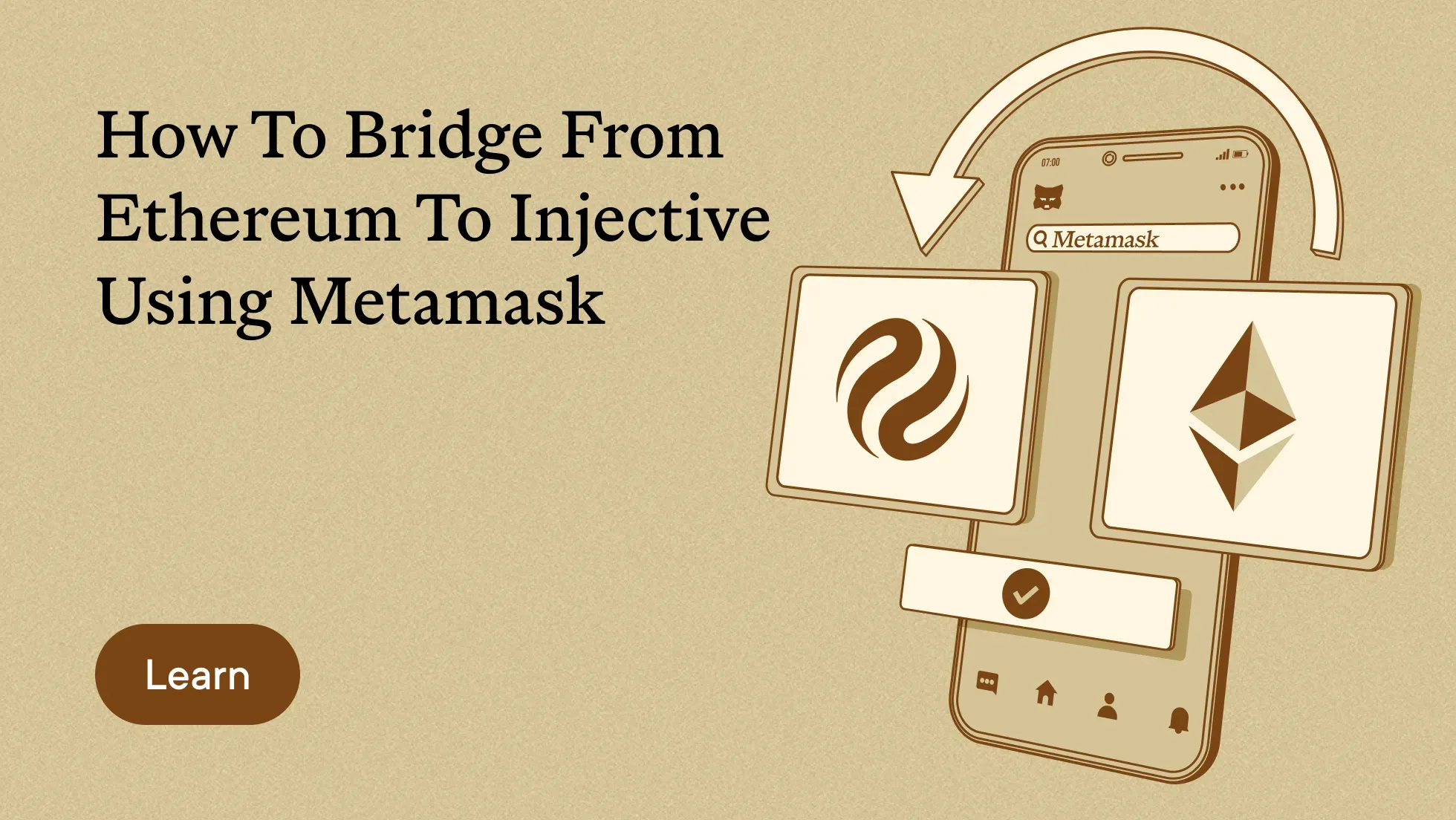
Move ETH from Ethereum to Injective through the official Injective Bridge without creating a second wallet.
MetaMask manages both sides of the transfer. When you connect it to Injective, the same account receives an Injective address beginning with inj. Injective supports Ethereum based wallets at the account level, which lets MetaMask interact with the network directly. Read more in the Injective wallet documentation.
Your ETH becomes WETH when it reaches Injective. WETH is the wrapped form of ETH available across Injective applications.
This guide walks through the full process using the official Injective Bridge.
Before You Begin
You need:
- MetaMask installed from the official MetaMask website
- ETH in your MetaMask account on Ethereum Mainnet
- Additional ETH available for the Ethereum network fee
- The same MetaMask account available throughout the transfer
Check the domain before connecting your wallet. The official address is bridge.injective.network.
Never enter your MetaMask recovery phrase into a bridge or website.
Step 1 - Open the Injective Bridge
Go to the Injective Bridge.
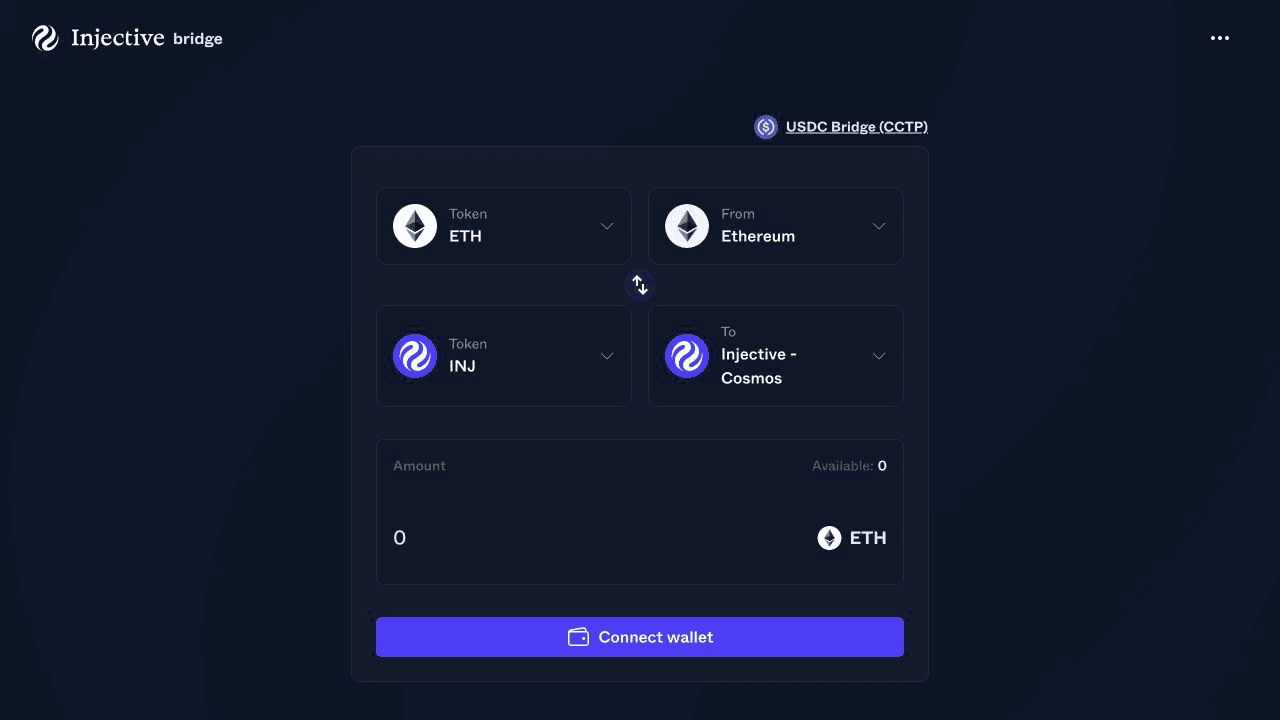
The bridge interface shows the source asset and network at the top. The destination asset and network appear below them.
Step 2 - Connect MetaMask
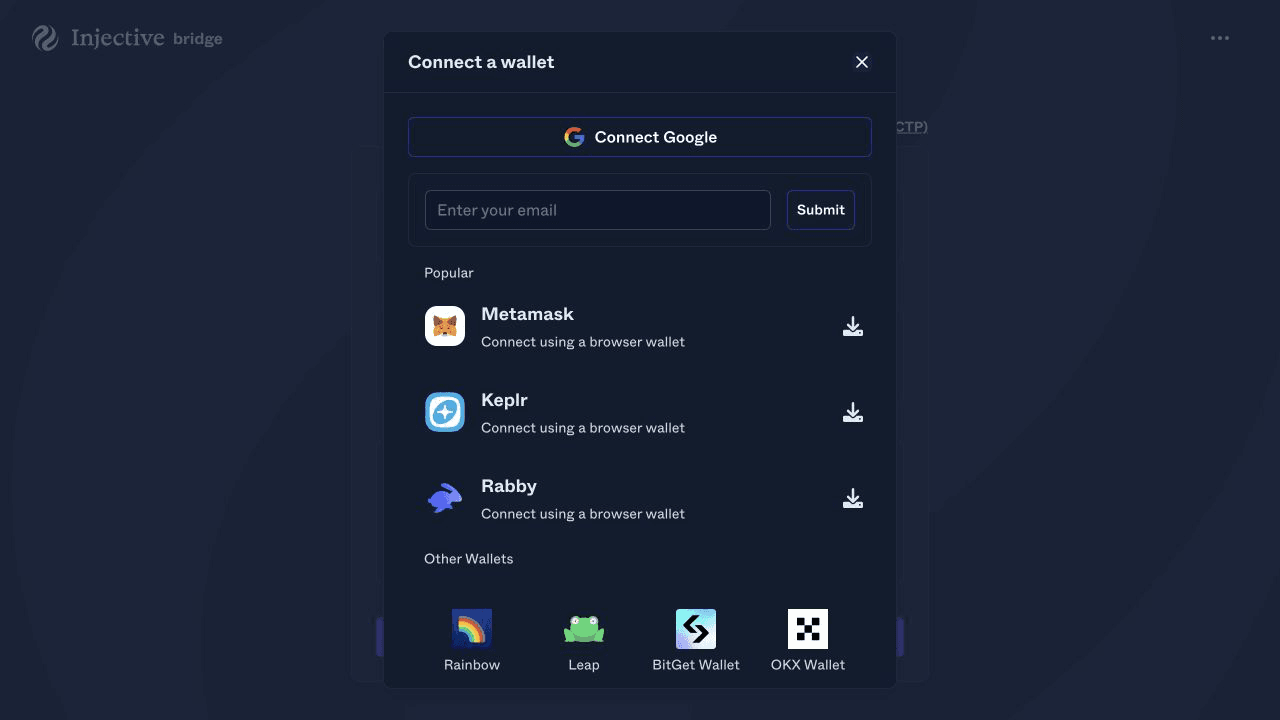
Select the wallet control in the upper right corner.
Choose MetaMask from the available wallets. MetaMask will open and ask you to select an account. Choose the account holding the ETH you want to bridge, then approve the connection.
The Injective Bridge will assign an inj address to the connected MetaMask account. This is the Injective address tied to the same wallet key. You don’t need to create or paste a separate destination wallet.
Step 3 - Select Ethereum as the Source Network
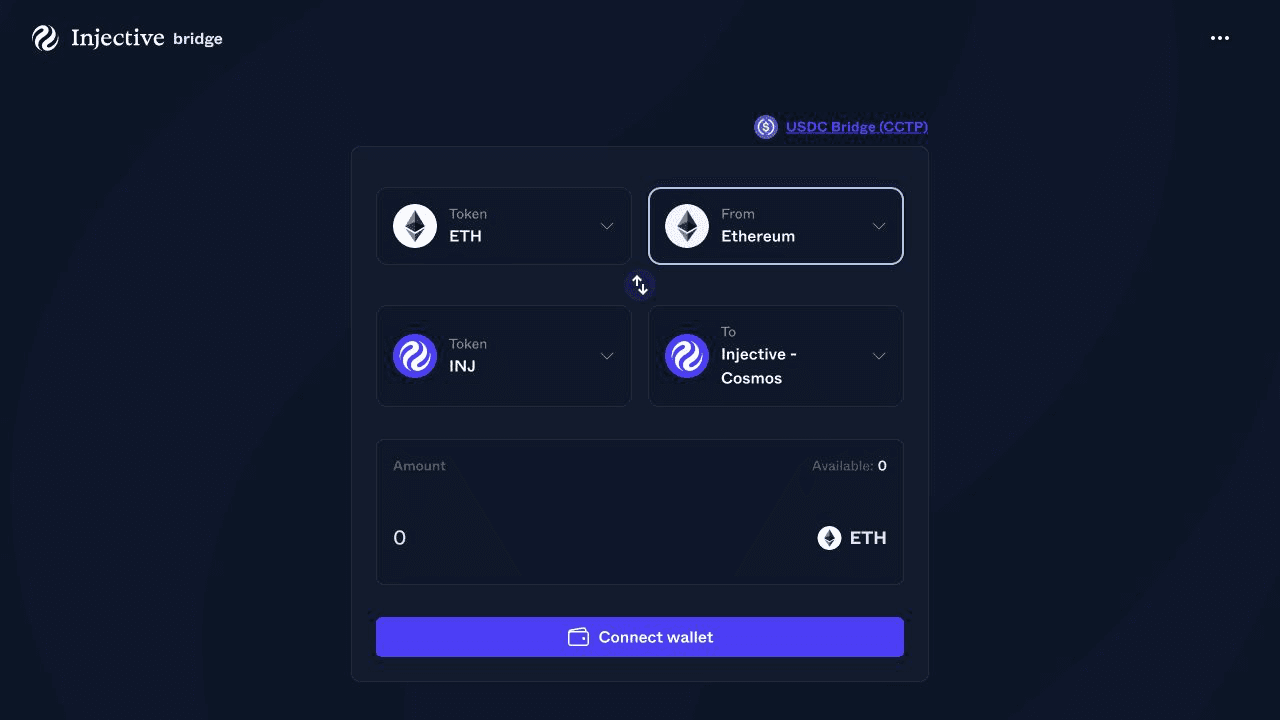
Open the source network menu.
Select Ethereum. Make sure MetaMask is connected to Ethereum Mainnet when prompted.
The network selector should now read From Ethereum.
Step 4 - Select ETH as the Source Asset
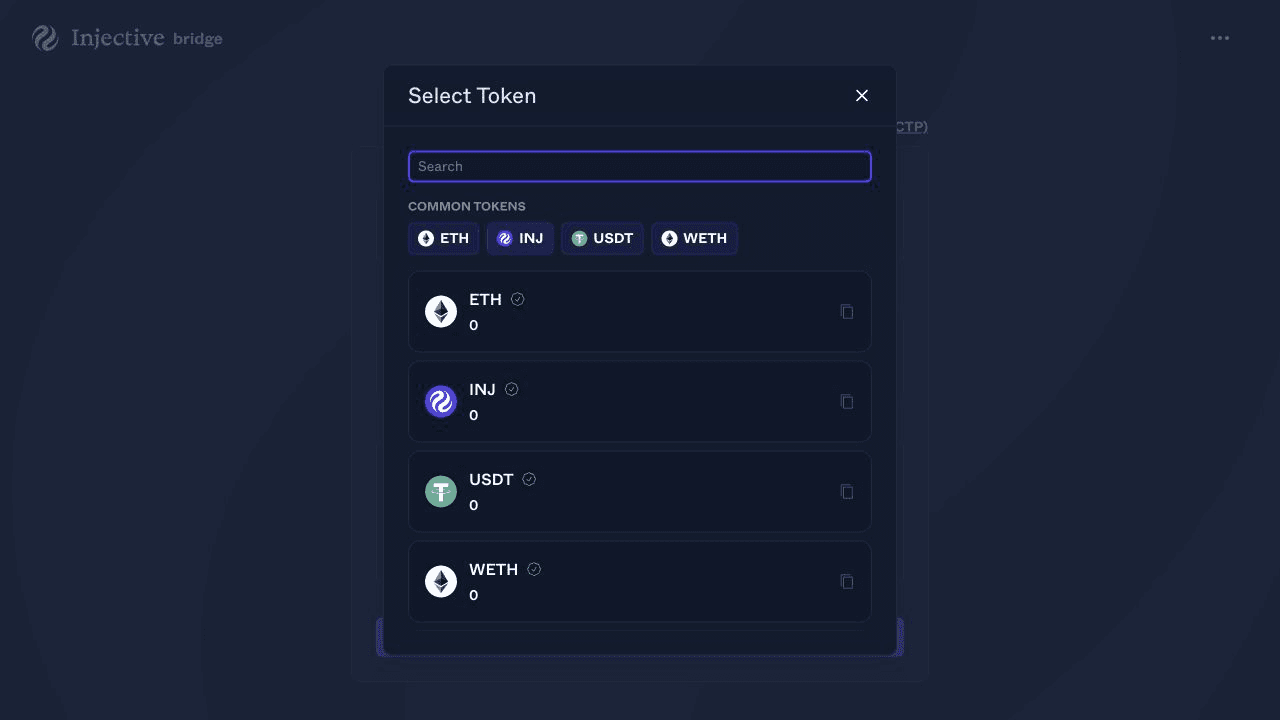
Open the source token menu and select ETH.
The bridge will display the ETH balance available in your connected MetaMask account. Keep enough ETH in the wallet to cover the Ethereum network fee.
Step 5 - Select Injective and WETH as the Destination
Open the destination network menu and select Injective Cosmos.
This label is expected. Injective has a Cosmos native account layer, while its account system lets Ethereum based wallets such as MetaMask sign transactions.
Open the destination token menu and select WETH.
Your completed route should show:
- Source network as Ethereum
- Source token as ETH
- Destination network as Injective Cosmos
- Destination token as WETH
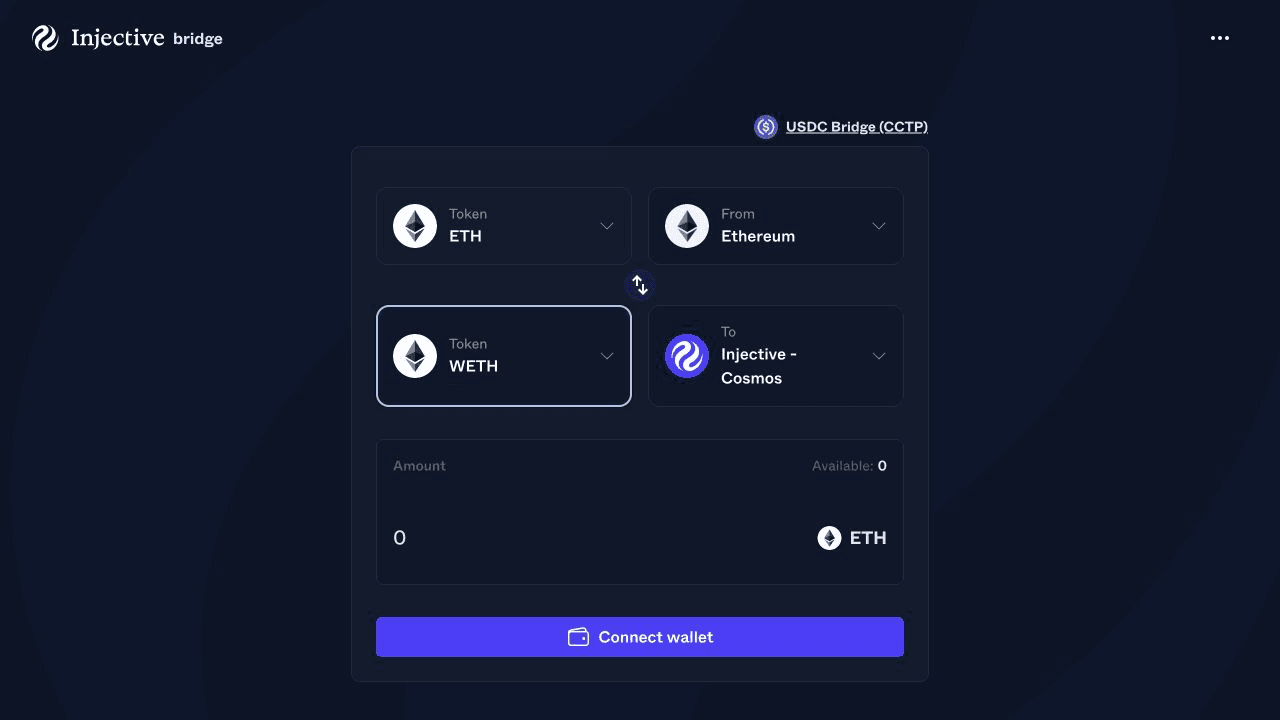
Step 6 - Enter the Amount
Enter the amount of ETH you want to bridge.
Review the available balance and keep enough ETH for the Ethereum transaction fee. The amount sent and the amount received will appear in the bridge interface before you approve the transfer.
Start with a small transfer when using the bridge for the first time.
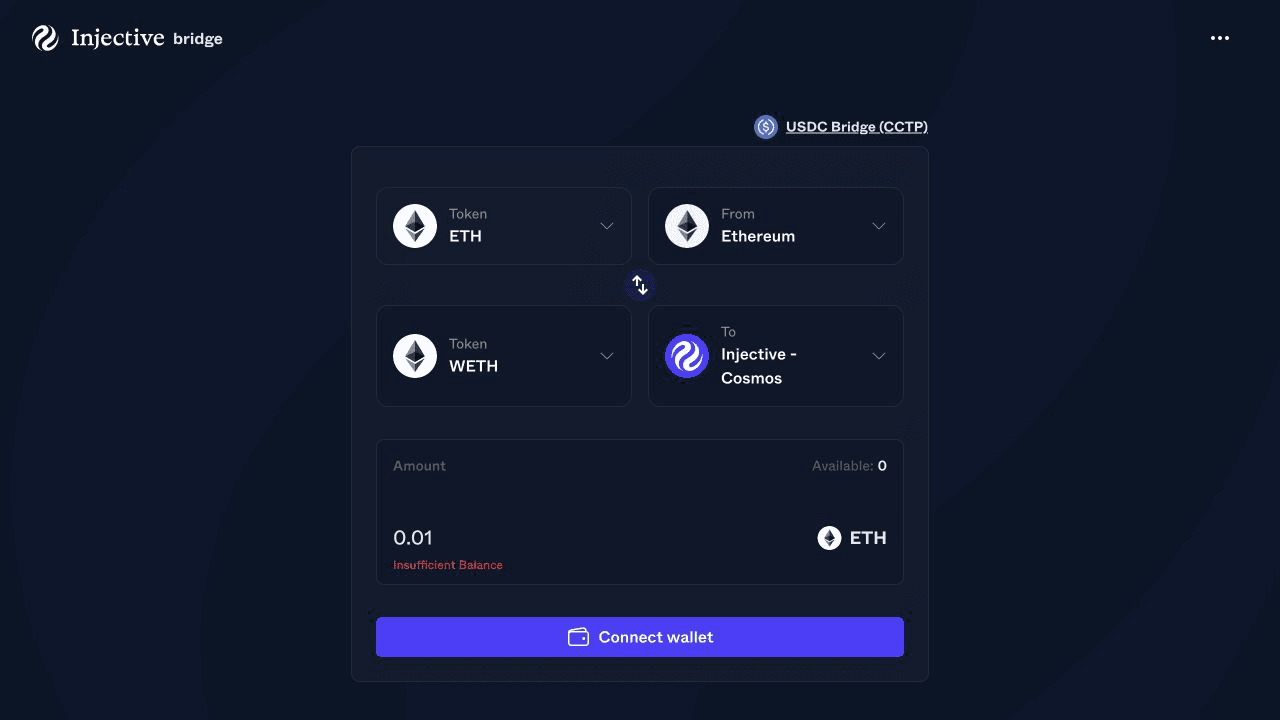
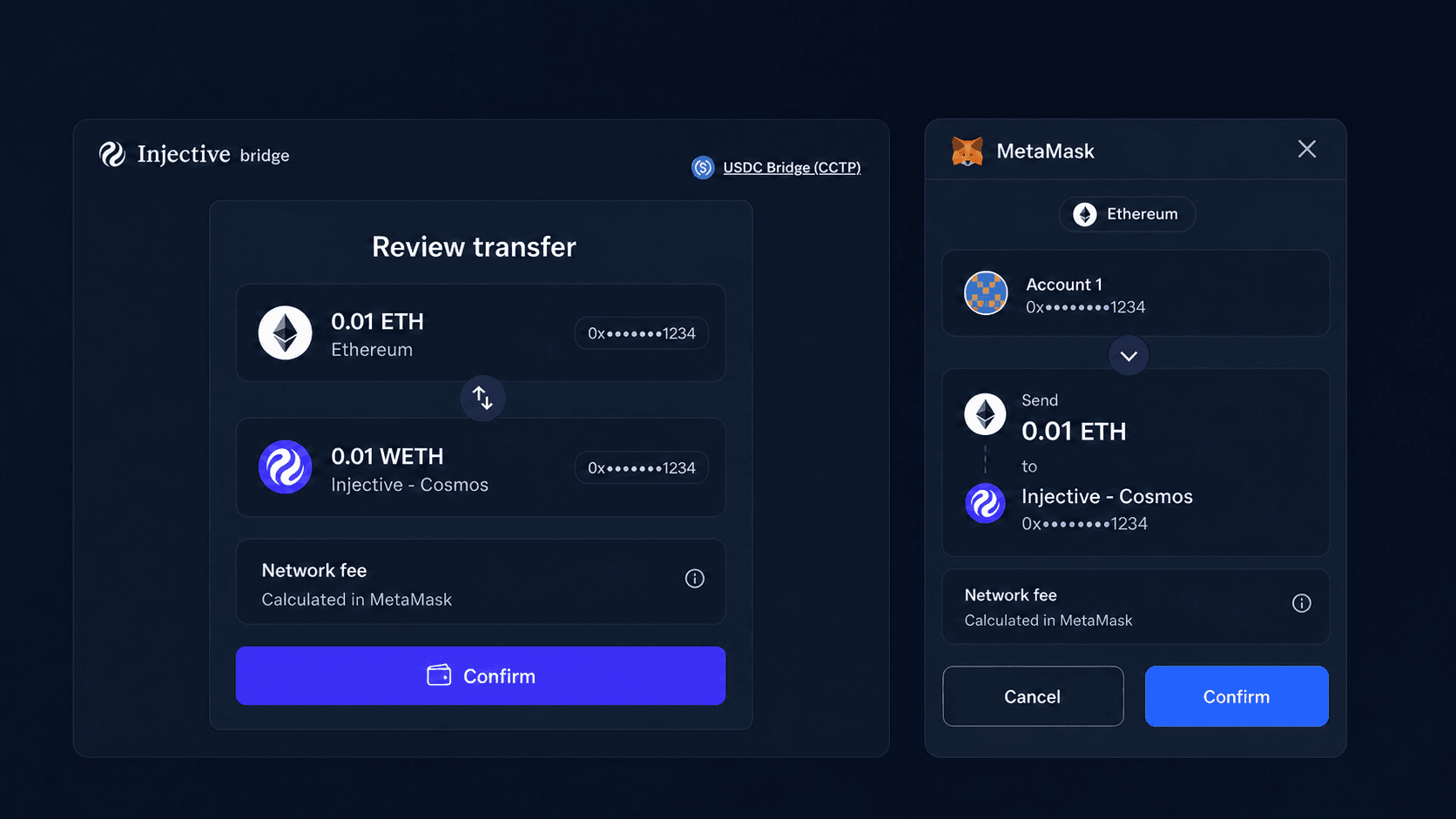
Step 7 - Review and Confirm the Transfer
Check every transfer detail before signing:
- The source network is Ethereum
- The source asset is ETH
- The destination network is Injective Cosmos
- The destination asset is WETH
- The destination is the
injaddress tied to your MetaMask account - The amount and Ethereum network fee match your expectations
Select Bridge.
MetaMask will open with the Ethereum transaction. Review the amount and gas fee inside MetaMask, then confirm the transaction.
The Injective Ethereum Bridge locks the Ethereum asset through its bridge contract. Injective validators process the deposit and issue the corresponding asset on Injective. The Injective Ethereum Bridge documentation explains this process.
Step 8 - Track the Transfer
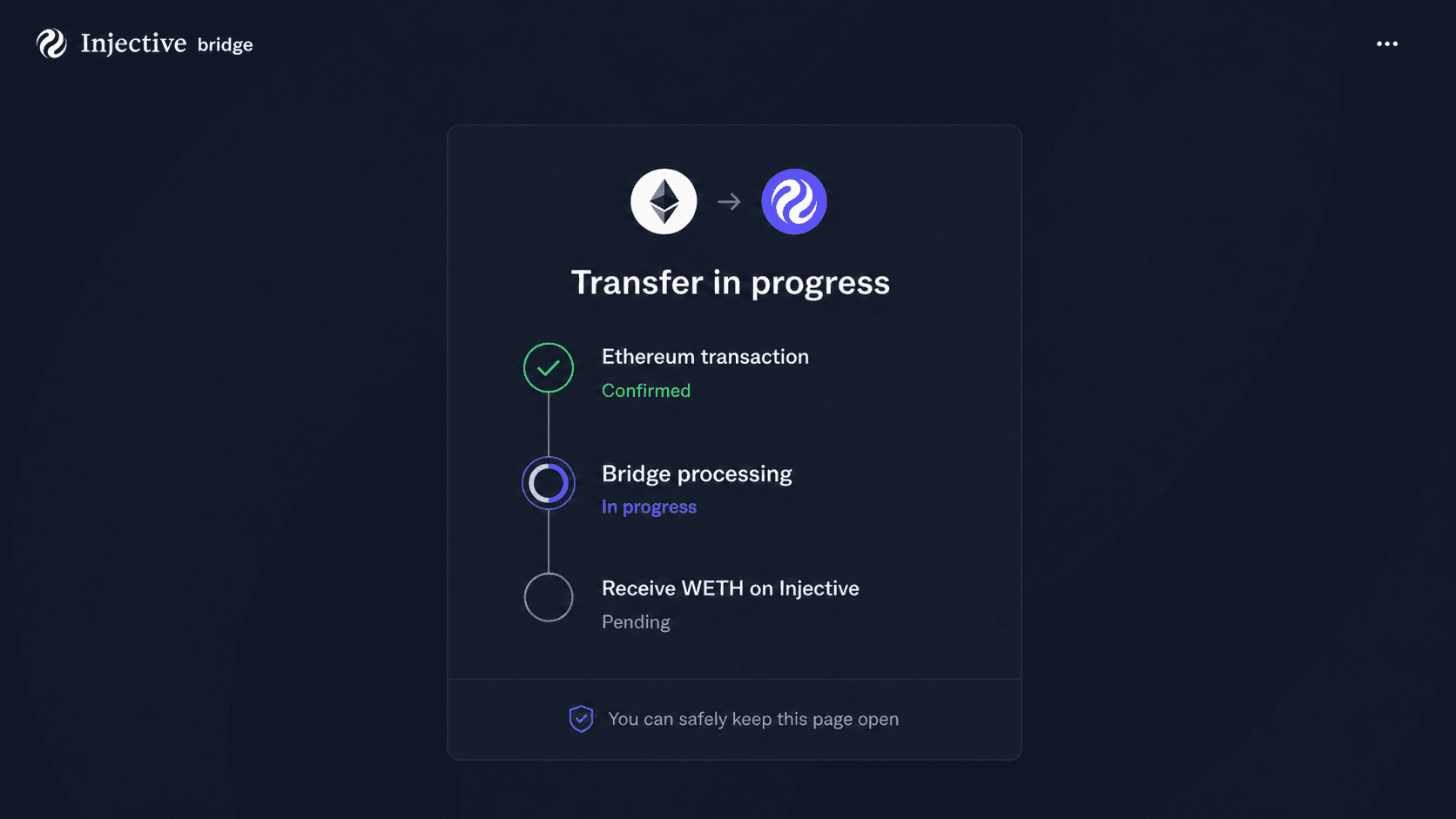
The bridge will show the transfer status after MetaMask submits the transaction.
Keep the page open while the Ethereum transaction confirms and Injective processes the deposit. The time required depends on Ethereum confirmation and bridge processing.
Use the transaction link shown by the bridge to follow its progress. You can also search the destination address or transaction on INJScan.
Step 9 - Verify Your WETH on Injective
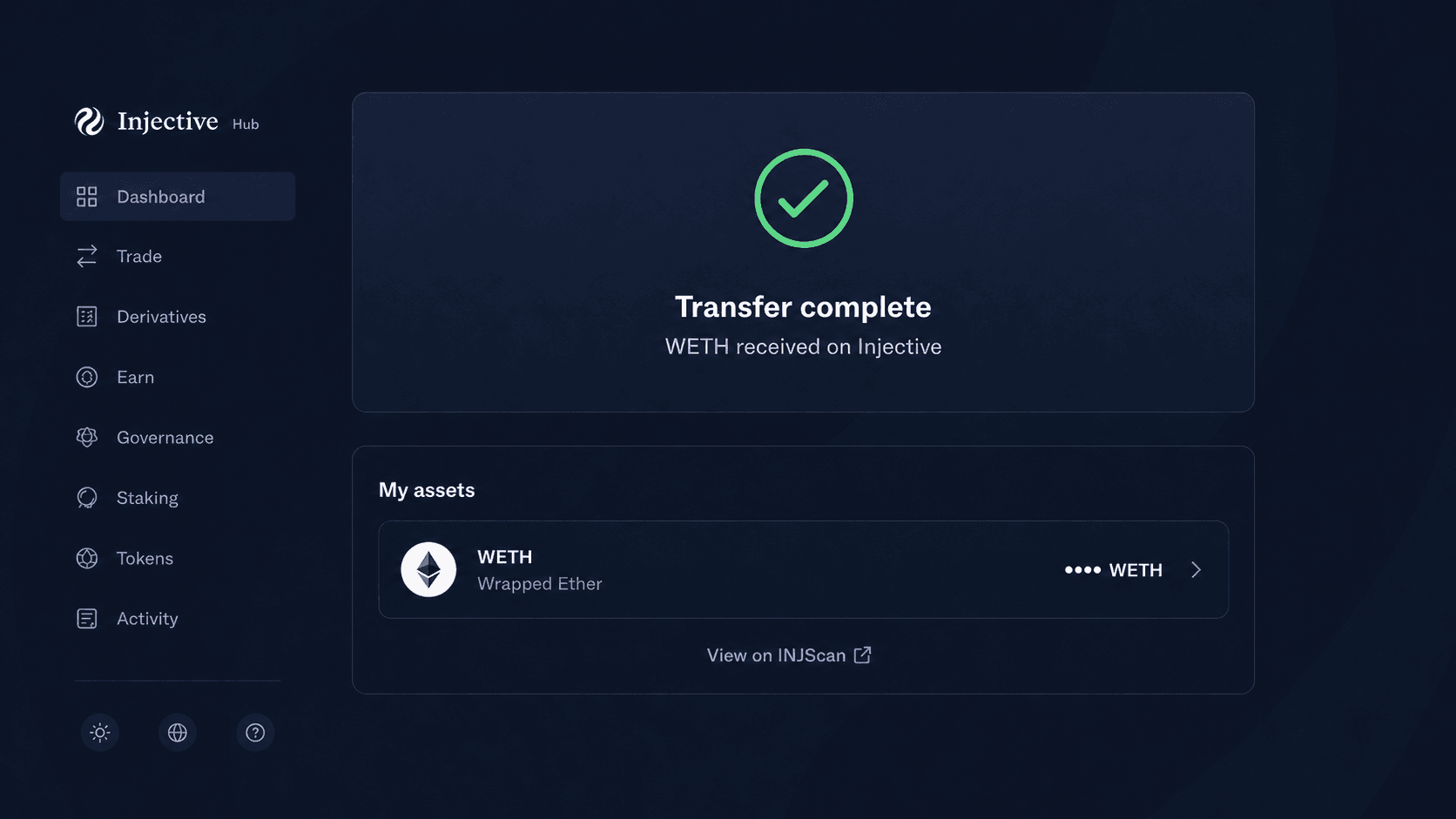
Once the bridge marks the transfer as complete, open the Injective Hub Wallet.
Connect the same MetaMask account. Find WETH in the asset list and confirm the received balance.
Your ETH is now available as WETH on Injective. You can use it across supported Injective applications without managing another wallet.
Bridge ETH to Injective
MetaMask gives Ethereum users a direct route into Injective.
Open the Injective Bridge, connect MetaMask, choose ETH on Ethereum and WETH on Injective, then approve the transfer. The same wallet controls the funds on both networks.
Disclaimer
This article is for informational purposes only. It is not financial or investment advice.
Bridge interfaces, supported assets, fees, and processing times can change. Verify the domain, networks, assets, destination address, amount, and fees before signing any transaction.

About Injective
Injective is the first blockchain purpose-built for finance, enabling users, institutions, and AI agents to trade, tokenize, and transact at scale. Proudly made in America, Injective provides foundational blockchain infrastructure for global markets, with embedded financial primitives spanning stablecoins, real-world assets, payments, and programmable perpetuals through a unified onchain engine. Injective is used by Fortune 500 companies, banks, fintechs, and governments to power an open economy where any asset can be accessed anytime, from anywhere. Builders can deploy across multiple virtual machines like WASM and EVM, connect to native financial modules, and launch markets with deep liquidity from day one. INJ is the native token powering the rapidly growing Injective ecosystem and the new internet economy.
Website | Telegram | Discord | Blog | Twitter | Youtube | Facebook | LinkedIn | Reddit | Instagram | Orbit Newsletter